



Planning a special event is exciting, and your invitation is the first thing your guests may see before the celebration begins. A beautiful invitation can create excitement, set the mood, and give your guests all the important details they need.
Today, creating an invitation is easier than ever with an online invitation maker. You can choose a design, personalize the content, add photos, and share your invitation digitally without the time and expense of traditional printing.
In this guide, we’ll explore simple ways to create stunning online invitations that your guests will love.
Choose a Design That Matches Your Event
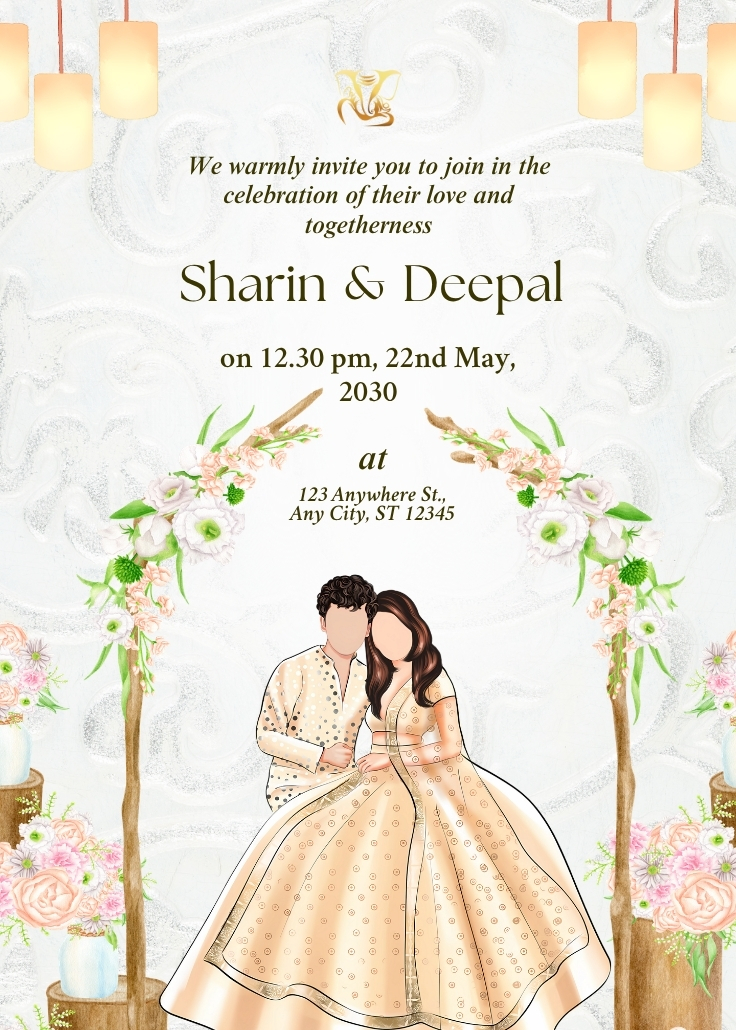
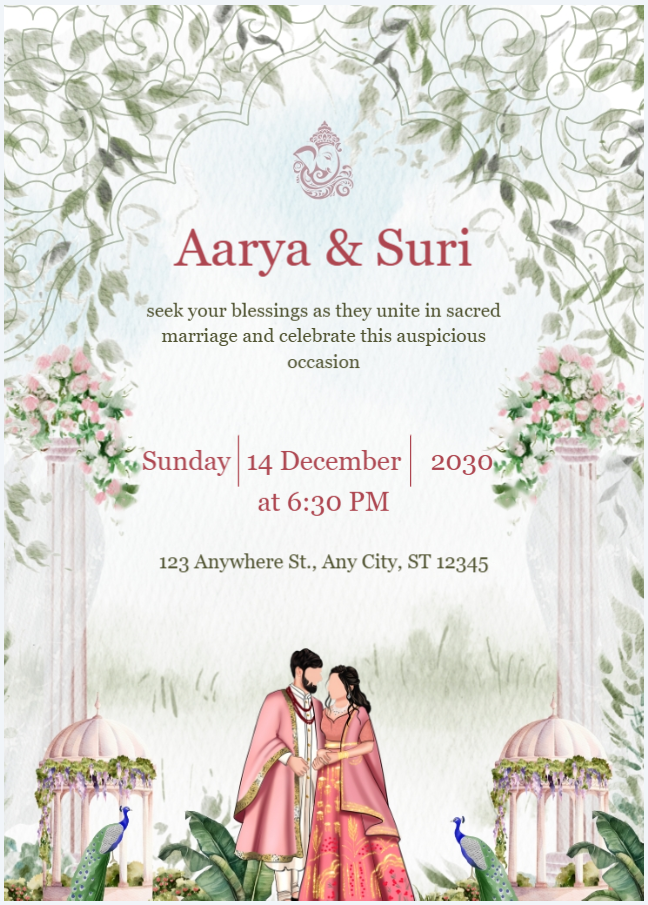
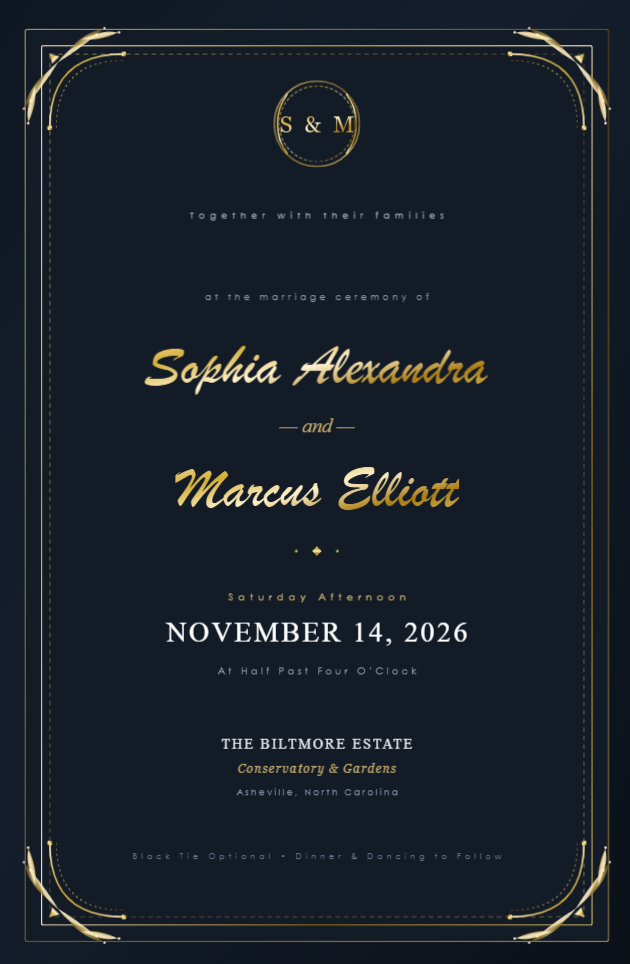
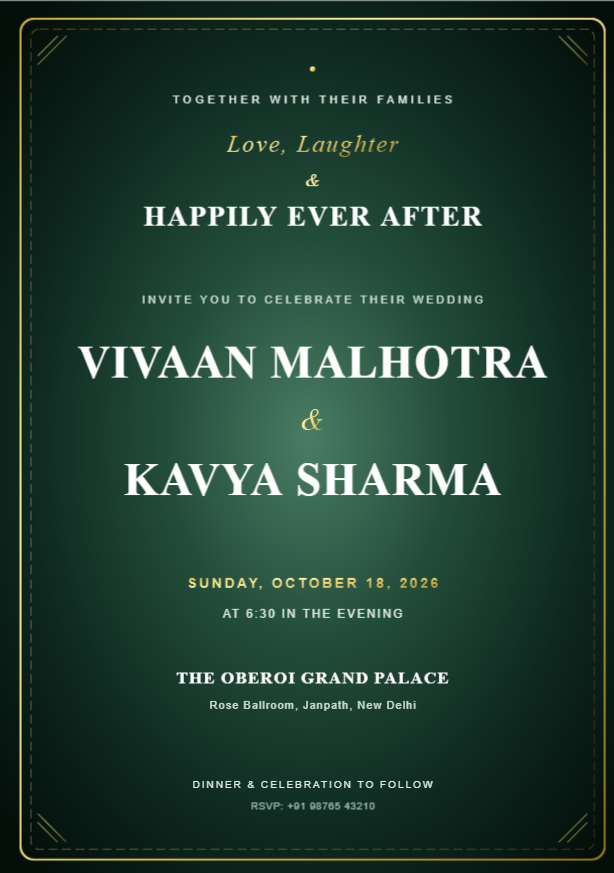
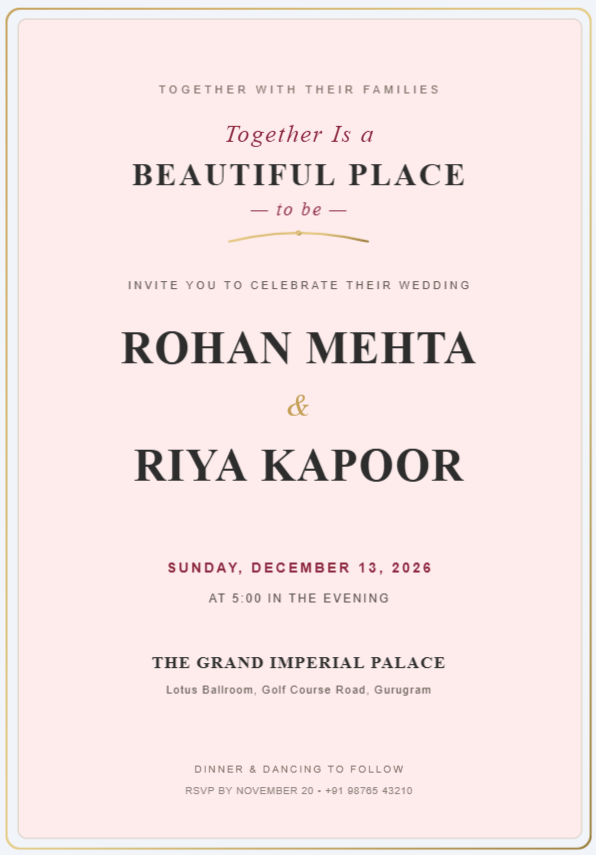
The design of your invitation should match the style and mood of your celebration. A wedding invitation may look elegant and romantic, while a birthday invitation can be colorful, playful, and fun.
Think about the theme of your event before choosing a template. Consider the colors, fonts, images, and overall style you want to use.
For example, you can choose:
- Elegant designs for weddings
- Colorful designs for birthday parties
- Floral themes for anniversaries
- Cute designs for baby showers
- Traditional designs for cultural celebrations
- Modern layouts for corporate events
A consistent design helps your invitation look professional and visually appealing.
Keep Your Invitation Simple
A stunning invitation does not need to be complicated. Too many colors, fonts, images, or design elements can make your invitation difficult to read.
Keep the layout clean and focus on the most important information. Use enough spacing between different sections so guests can quickly find the details they need.
Your invitation should answer the basic questions:
What is the event? When is it happening? Where is it happening? Who is hosting it?
Add Important Event Details
Before sharing your invitation, make sure all essential information is included.
Your online invitation should ideally contain:
- Event name
- Date
- Time
- Venue
- Host or family names
- RSVP information
- Contact details
- Dress code, if applicable
- Special instructions for guests
Double-check every detail before sending the invitation. A small mistake in the date, time, or venue can create confusion for your guests.
Personalize Your Invitation
Personalization is one of the easiest ways to make an invitation feel special.
Instead of using only a standard message, add a personal welcome or meaningful quote. You can also include photographs, custom colors, names, and other details that represent your event.
For a wedding, you could include a favorite photograph of the couple. For a birthday party, you could add a fun photo of the birthday person.
These small details can make a digital invitation feel more personal and memorable.
Use Readable Fonts
Beautiful typography can make your invitation look elegant, but readability should always come first.
Choose fonts that are easy to read on both desktop and mobile screens. You can combine a decorative font for headings with a simple font for the main event information.
Try to avoid using too many different fonts in one invitation. Two or three complementary fonts are usually enough to create a polished design.
Choose the Right Colors
Colors can influence the overall feeling of your invitation.
Soft and elegant colors can work well for weddings and anniversaries, while brighter colors may be suitable for birthdays and parties.
Try to maintain good contrast between your text and background. Important information should remain clearly visible regardless of the device your guests use.
Add High-Quality Images
If you decide to add photographs or graphics, make sure they are clear and high quality.
A blurry or stretched image can make an otherwise beautiful invitation look unprofessional. Use images that match your event theme and place them carefully within the design.
You don't need to use many images. One or two meaningful photographs can often have a stronger impact than a crowded design.
Make It Mobile-Friendly
Most digital invitations are viewed on smartphones, so your invitation should look good on smaller screens.
Check the invitation on your phone before sharing it with guests. Make sure:
- Text is easy to read
- Images display correctly
- Important information is easy to find
- Buttons or links work properly
- The overall design looks balanced
A mobile-friendly invitation provides a better experience for your guests.
Make Sharing Easy
One of the biggest benefits of an online invitation is the ability to share it instantly.
Depending on your invitation platform, you can share your invitation through messaging apps, email, or social media.
This makes it convenient to invite guests even when they live in different cities or countries.
You can also make changes to your digital invitation before sharing it again, which can be much easier than creating and printing a new set of traditional invitations.
Add a Clear RSVP Option
If you need to know how many guests will attend, make your RSVP process simple.
Include clear instructions explaining how guests can confirm their attendance. A simple RSVP button, form, phone number, or messaging option can make the process easier.
The easier it is for guests to respond, the easier it will be for you to organize your event.
Preview Your Invitation Before Sharing
Always preview your invitation before sending it to your guests.
Check the spelling, date, time, venue, names, images, and contact information. Open the invitation on a mobile device and check that everything works correctly.
It is also helpful to send a test invitation to yourself or a family member before sharing it with everyone.
Create Your Invitation with Greetin
Creating a beautiful online invitation doesn't have to require professional design skills.
With Greetin, you can create personalized digital invitations for weddings, birthdays, anniversaries, parties, and other special occasions. Choose a design, customize your event details, add your personal touch, and create an invitation that is ready to share.
Whether you're planning a small family gathering or a large celebration, a thoughtfully designed digital invitation can help make the occasion even more special.
A great online invitation is more than just an event announcement. It creates the first impression of your celebration and gives your guests a reason to look forward to the occasion.
Choose a design that matches your event, keep the information clear, personalize your invitation, use high-quality images, and make sure it works well on mobile devices.
With the right online invitation maker, you can create a beautiful and memorable digital invite that your guests will be excited to receive.
